
Give SSH a private road
Put TalkTerm and the agent host in one tailnet so normal SSH no longer needs a public route.
A private mesh network for your own devices. It gives the host a stable private name and policy-controlled reachability.
Tailscale carries the traffic. SSH still does the terminal.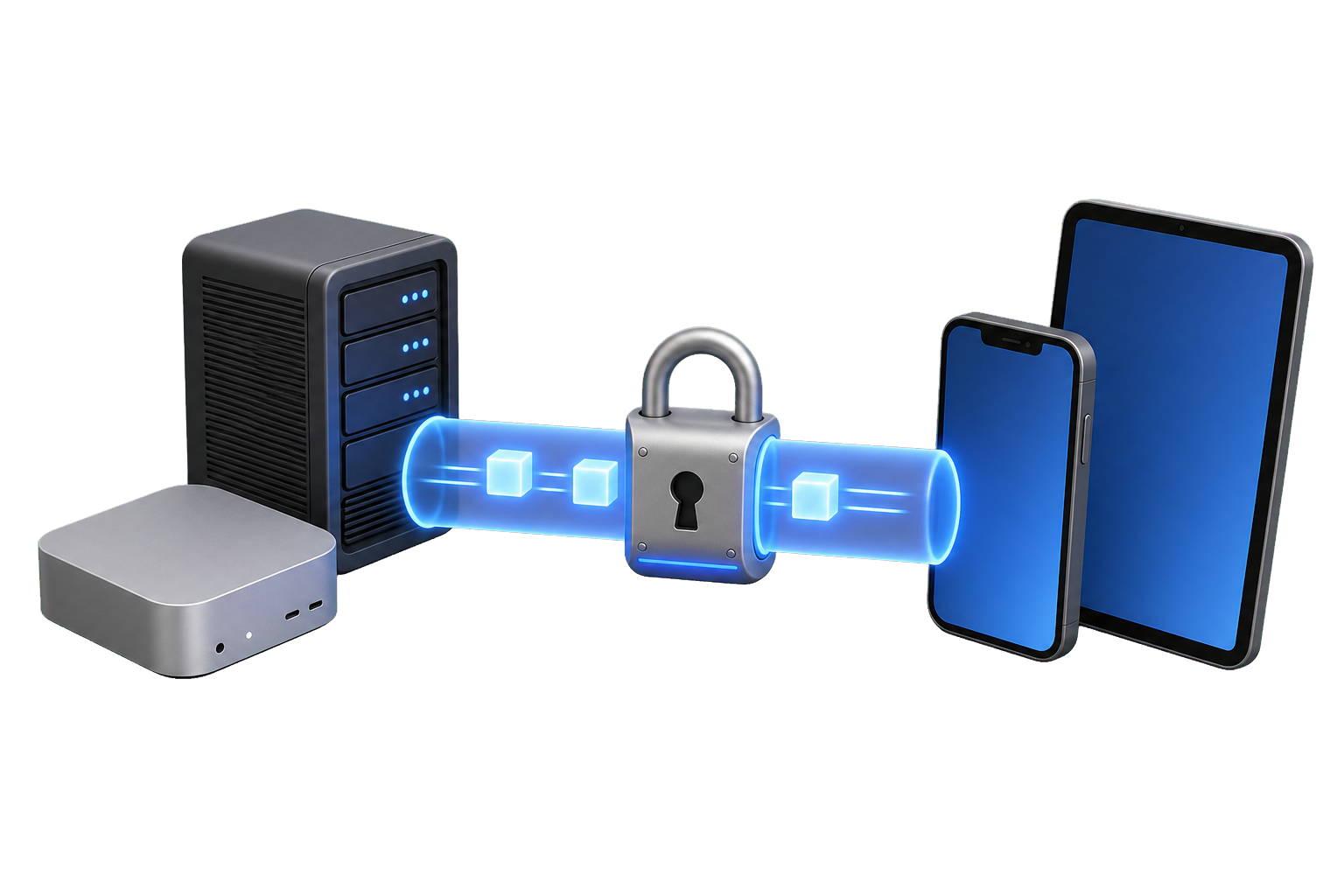
Put both ends on the private road
Install Tailscale on the agent host and on the iPhone or iPad. Once both devices appear in the same tailnet, MagicDNS gives the host a stable name that TalkTerm can save as its SSH destination.
Let Tailscale handle reachability
The recommended TalkTerm setup is ordinary OpenSSH carried through Tailscale. Your SSH key stays in Keychain, TalkTerm still checks the host fingerprint, and port 22 does not need to be reachable from the public internet.
Tailscale SSH is a separate authentication model. Use it only when you deliberately want Tailscale to manage SSH identity and have confirmed that your client flow matches it.
Allow only the path you need
- Limit the destination to the agent host.
- Limit the allowed traffic to SSH.
- Limit the source to your own users or devices.
- Test the policy from both cellular and Wi‑Fi.
Verify the full path
Confirm that the host resolves by its private name and accepts the intended SSH user. Then add exactly that destination to TalkTerm and verify the fingerprint before connecting.
tailscale status
ssh agent-user@your-agent-host