
Give your agents a 24/7 hotel
Move repositories and coding agents to one small VPS so the work survives your laptop, commute, and battery.
A small always-on Linux machine in a data center. It keeps the runtime online while TalkTerm becomes the thin control surface.
Close the laptop. The work checks out later.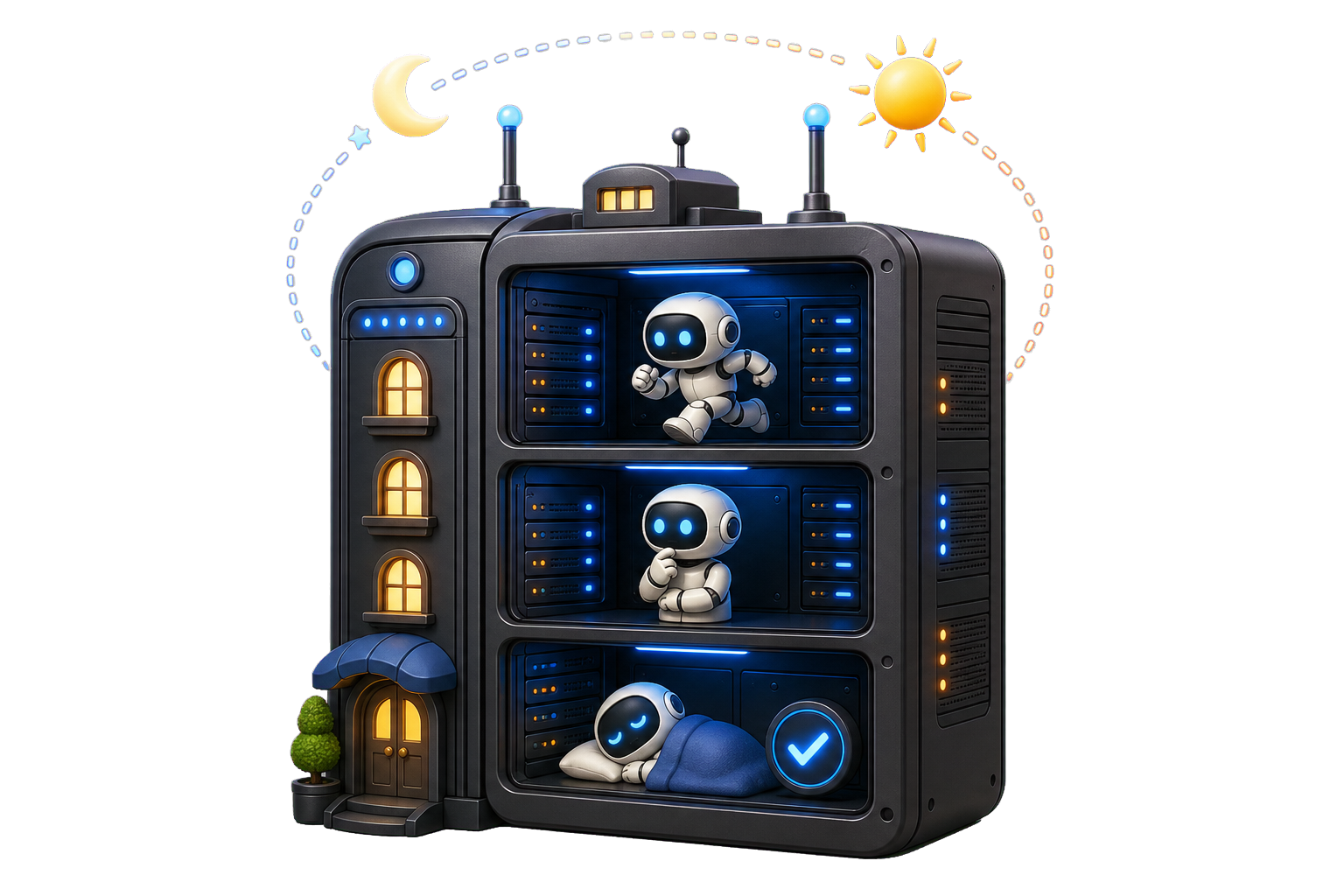
Start smaller than you think
Choose a current Linux image, enough memory for the agents you will run at the same time, and storage that can absorb repositories, dependencies, and build artifacts. Measure the real workload before paying for a larger machine.
Give the agents one narrow room
Create a non-root user for agent work. Keep its repositories, toolchains, and credentials separate from administration. TalkTerm needs an SSH destination, not a publicly exposed agent dashboard.
- Authenticate with an SSH key.
- Allow only the login methods you actually use.
- Scope repository and agent credentials to this host.
- Do not publish Herdr sockets or internal dashboards.
Test the disappearing-phone moment
Run one harmless agent task inside the persistent session layer you already trust. Disconnect the client, switch networks, then reconnect. If the process vanished, the host is online but the session is not persistent yet.
Herdr can keep panes and agents alive and add structured state. tmux is another familiar persistence layer. Both are optional; ordinary SSH still gives you a remote shell.
herdr
herdr session list --json
Keep SSH off the public path
Install Tailscale on the VPS and your iPhone or iPad. MagicDNS gives the host a stable private name, while grants can restrict which users or devices may reach it. TalkTerm can then use normal SSH through that private path.